


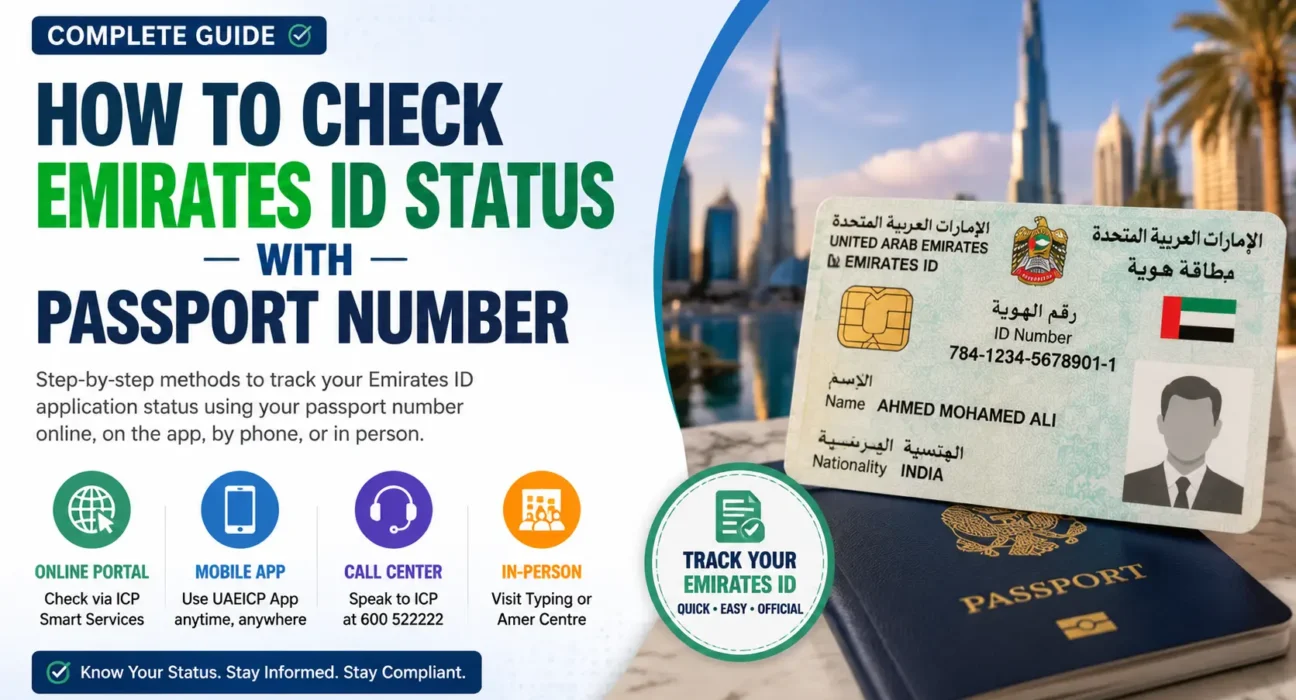
Sometimes the easiest alternative to your Emirates ID application number, PRAN or Emirates ID number is your passport. This guide explains how to check Emirates ID status with passport number, the meaning of each status and what to do if it does not show the Emirates ID for you.
This article covers the entire process in one place, whether you are a first-time applicant or you are a new arrival who is closely following your first card, or you are an individual who had their employer’s PRO office do all the work and did not receive a reference number.
Significance of Emirates ID and the need for Status Tracking
Emirates ID is the compulsory national identity card that is issued by the Federal Authority for Identity, Citizenship, Customs and Port Security (ICP) to every UAE citizen, resident and eligible expatriate. It has your personally identifiable information and biometric characteristics (fingers, eye scan etc.) as well as a unique 15-digit identity number. The card is directly connected with your residence visa, so that when the visa expires, the card usually expires as well, which is why so many residents keep a close eye on the application and don’t wait for that text message.
It’s not only for curiosity to check your status. Any basic transactions on banking, telecom, landlords, hospitals and even some government portals require a valid Emirates ID. Knowing the status of your card early on will help you discover if there are inconsistencies with your personal information so you can prevent it from becoming a larger issue.
Is it possible to How to Check Emirates ID Status with Passport Number?
Yes, in most cases. The primary identifiers of the ICP system are the application number, which is also known as PRAN or Personal Reference Application Number, the 15-digit Emirates ID number and the passport number with nationality or date of birth. Typically, the passport route can be used as a backup for new applicants in case they do not have a PRAN or Emirates ID number.
However, it may not be available at every stage of processing and on every channel, so it is good to learn more than one way in case one of them does not work in your case.
Method 1: ICP Smart Services Portal (Passport Number Route)
This is the official online source and is usually the most reliable source to begin.
- Visit smartservices.icp.gov.ae website.
- Under the Quick Services section, there is one service that is designed to accept a passport number instead of an application number, called the “File Validity” service.
- Type your nationality, passport number and if required, date of birth (as stated in your passport).
- Submit the request. This system will show the status of your Emirates ID application, and if your residence visa is linked to the Emirates ID, it will also display the residence visa status.
- If you are only interested in the visa validity check and do not wish to check the Emirates ID, then you can do it separately on the same portal.
This is the most accurate and recent of all of the methods because it is a direct extraction from ICP’s own database and it does not require an account or login.
UAEICP Mobile App – Method 2
The official UAEICP app reflects most of the content of the web portal and has some extra handy features.
- Download and open UAEICP app from the Apple App Store or Google Play Store.
- Click on ID Card Status or Inquiries.
- You can enter your PRAN, Emirates ID number or passport number whichever you have.
- Click Submit to check your status and to view a history log of when and which stages your application has been in.
- As soon as your application is approved, a temporary digital Emirates ID will be made available in the app and via UAE Pass that can be used as an ID until the physical ID has been printed and issued.
This is especially handy for UAE residents on the move or outside the UAE and who wish to check something without launching a browser.
Call the ICP Call Center
The ICP call center is a genuine and widely-used alternative for those who aren’t tech-savvy or wish to have one person verify the information.
- Contact ICP’s customer service hotline at 600 522222.
- The service is available in both Arabic and English – select your preferred language.
- Enter your PRAN number, Emirates ID number or passport information into the automated system or to a real agent.
- The representative can verify if the application is at a particular stage and mark any gaps which may be causing delays.
This approach is particularly useful if the online passport search isn’t able to locate your details, as a representative may at times be able to cross-check with other information available on file.
Typing Centre, Amer Centre or In-Person Visit (Method 4)
If you applied through a registered typing centre or an Amer centre, the staff there may often be able to search the file of your application directly as they will often have a copy of your details for your application.
- Go back to the typing centre or the Amer centre where your biometric appointment or application was made.
- Take your passport and the receipt you received on the day you applied.
- Check with staff if your Emirates ID is active or not in their system using your passport number.
- If your information was not entered correctly at the time of submission, for instance a misspelling of your name or incorrect date of birth, this is also where you should have it corrected as this is one of the most common reasons an online search using a passport doesn’t work.
If easier, a typing centre can be visited directly at an ICP Customer Happiness Centre.
Explaining each Emirates ID Status Message
After a result is retrieved, the actual label provides you with details on the exact location of your card in the pipeline.
- Process – Your documents and biometrics have been received and ICP has started examining or manufacturing your card. At this stage no action is required.
- Approved – Your application has passed the review and the digital Emirates ID might be available in the UAEICP app or UAE Pass.
- Printed or Card Printed – The physical card has been printed and is ready to be sent.
- Dispatched – Your card has left ICP and is on its way through Emirates Post. This should generate an SMS containing a tracking reference.
- Ready for Collection – Your card is in a branch of Emirates Post and is ready for collection, generally an SMS is sent. Please take your original passport with you for identification when you pick it up.
When you see your shipment has been dispatched, but haven’t received a tracking SMS after around 48 hours, you might want to call Emirates Post directly to chase up the delivery as the tracking SMS sometimes doesn’t match the actual progress update.
If the Passport Number does not return any results, what should you do?
However, a search by passport may not always yield a match, and there are a few common reasons why:
- Name or spelling mismatch – If your name was written in a slightly different way on the application than it is in your passport, then the system may not be able to match it.
- Application not yet logged – If biometrics was just submitted, it may take a short while for the record to be searchable.
- Passport number changed or renewed – if you renewed your passport after filing an Emirates ID application, then the system may still be associated with your previous passport number.
- Some ICP tools accept only application numbers at that stage, especially for very new applications – System only accepting application numbers at that stage.
If you fall into any of these categories, please contact the ICP helpline, or visit the typing centre where you submitted your application, or use the UAEICP app rather than a web portal as the database underlying the latter is not always updated at the same time as the app.
Common mistakes that cause status checks to be delayed
- Entering your passport number with spaces or leading zeros other than those on your passport.
- Choosing the nationality from the dropdown menu that is not the one of the person.
- Misreading the PRAN as Emirates Id Number (the two are different).
- Checking too early after submitting biometrics, before the record has been completely logged into the system.
- Failing to keep the receipt issued by the typing centre, which will have the application number necessary in case the passport search does not work out.
Emirates ID Validity, Renewal and Fines – Quick Context
Your Emirates ID is linked to your residence visa, so it will usually expire when your visa does, and you will need to renew your Emirates ID before your visa in order to avoid any interruptions. Cards with expiration dates will be charged late fees after a grace period if not renewed, so it’s best to follow up ahead of time. The same ICP channels that are available for status checking can also be used to help you through the process of reporting the loss of your card and applying for a replacement if you ever lose your card.
Last Tips for smooth Status Check
- Before searching, always confirm the spelling of your name and your passport number for the search: even if you miss one letter your name will not be found.
- Retain the receipt from the typing centre until the card is physically received as it carries your application number as an alternative identifier.
- If you are away from the UAE then use the UAEICP app as it can be accessed anywhere you have internet connection.
- If one channel doesn’t find your record, repeat the process on a different channel before you conclude you have an application problem – different tools may sync with the ICP database at different times.
- If a human confirmation is needed, keep the ICP helpline number, 600 522222, handy.
Frequently Asked Questions – How to Check Emirates ID Status With Passport Number
1. Is it possible to check Emirates ID status with just Passport number?
Yes in most instances, and usually via ICP Smart Services File Validity tool or the UAEICP app, but sometimes it is necessary to input other information such as nationality or date of birth.
2. What is PRAN and why is it different from an Emirates ID number?
A PRAN, or Personal Reference Application Number, is a number that is created the first time that an application has been made and is listed on the receipt. Emirates ID number is the 15-digit number that is given after the card is created.
3. How long does it take for an Emirates ID application to show up in the system?
Your record may not be fully logged immediately following your biometrics appointment, so if you check right after, you may not get a result, but rather a result after a short period of time.
4. What is the meaning of “Under Process?”
It signifies that your documents and biometrics have been obtained and your card is being examined or manufactured. At this point, no additional action is necessary.
5. I get no results when searching for my passport number. What should I do?
Please contact the ICP call center, go to the typing centre where you sent your application or check that your name and passport information was correctly written.
6. What if my old passport number doesn’t match with my renewed passport number?
This will depend on whether you have updated your passport details in ICP records. Otherwise, the search process might fail until your file has the new number.
7. Does it charge any fee to check Emirates ID status?
Yes, you can check your status on the ICP portal, ICP app or ICP helpline for free.
8. What does it mean when my status says “Dispatched”?
Usually, Emirates Post will notify you via SMS with the tracking reference for you to track the delivery of your card.
9. Do I need to bring anything when collecting my card?
Yes, when it states on your status “Ready for Collection”, you will need to present your original passport for identity verification.
10. How can I see the status of my family member’s Emirates ID by his/her Passport Number?
You usually have to have the correct name and nationality of the person for whom you’re checking the passport status, so be sure to have all of that information for that person.
Read Another Topic: Abu Dhabi Traffic Fine Check by Plate Number: Ultimate Guide