

If you want a NOL card balance check online, it’s important to understand that NOL card balances cannot be directly sent like bank funds. However, the Roads and Transport Authority (RTA) allows refunds or transfers to another NOL card through secure channels such as the RTA website, NOL Pay app, service machines, or in-person Customer Happiness Centers. Whether your card is lost, damaged, or you’re upgrading to a new card, these methods ensure your balance is safe and easily recoverable.
Understanding NOL Card Balance Transfers
NOL card balance transfer is a secure process for registered cards and applies in situations such as:
- Lost or damaged cards
- Upgrading to a new personalized card
- Combining balances from multiple cards
Important: Only registered NOL cards can transfer their balance online or at official RTA locations. Unregistered or expired cards are ineligible.
Methods to Transfer NOL Card Balance
1. Transfer via RTA Website
The official RTA website provides a convenient online method for transferring your balance.
Steps:
- Visit the RTA website and log in with your registered NOL account.
- Navigate to NOL Card Services → Balance Transfer.
- Enter the old and new NOL card numbers.
- Confirm and submit your request.
Processing Time: 24 hours Fee: Free
2. Transfer Using NOL Pay App
The NOL Pay app is ideal for users who prefer mobile access.
Steps:
- Download the NOL Pay app from your App Store, Google Play, or Huawei AppGallery.
- Log in with your RTA account or UAE Pass.
- Select NOL Card Services → Transfer Balance.
- Enter old and new card numbers, confirm, and wait for approval.
Processing Time: 24–48 hours Fee: Free
3. Transfer at RTA Customer Happiness Centers
For in-person assistance, RTA centers provide secure and immediate transfers.
Steps:
- Bring your Emirates ID, old card, and new NOL card.
- Request a balance transfer from the staff.
- Verify your mobile number linked to the account.
Processing Time: Immediate Fee: AED 5
4. Using NOL Card Service Machines
Self-service machines at major metro stations and malls allow quick transfers.
Steps:
- Tap your old card on the machine.
- Select Balance Transfer.
- Tap the new card and follow the on-screen instructions.
Processing Time: 10 minutes Fee: Free
Tips for Safe NOL Balance Transfers
Always Use Official RTA Channels
Transfers should only be performed through the RTA website, NOL Pay app, service machines, or Customer Happiness Centers.
Keep Your Card Registered
Only registered cards are eligible for online transfers. Register your card with the RTA to secure your balance.
Minimum Transfer Amount
The minimum balance that can be transferred is AED 10 per RTA rules.
Save Proof of Transfer
Always keep a screenshot or receipt of your balance transfer for future reference.
Avoid Sharing Card Details
Do not post card numbers or account information on third-party websites to prevent fraud.
FAQs
Can I transfer my NOL card balance to another card?
Yes, you can transfer your balance to another registered NOL card through the RTA website, NOL Pay app, service machines, or at Customer Happiness Centers. Unregistered or expired cards cannot transfer balances.
How long does it take to transfer the NOL card balance online?
Transfers via the RTA website are usually processed within 24 hours. Using the NOL Pay app may take 24–48 hours, depending on verification and card registration.
Is there a fee to transfer the NOL card balance?
Online transfers through the RTA website or NOL Pay app are free. In-person transfers at Customer Happiness Centers may cost between AED 5–15, depending on the service.
Can I transfer the balance from a lost or damaged NOL card?
Yes, you can recover and transfer the balance from lost or damaged cards using the NOL Pay app or by visiting an RTA Customer Happiness Center with proof of identity.
What is the minimum balance required to transfer?
The minimum transferable balance is AED 10. Any amount lower than this cannot be transferred or refunded.
Can I transfer the balance between different types of NOL cards?
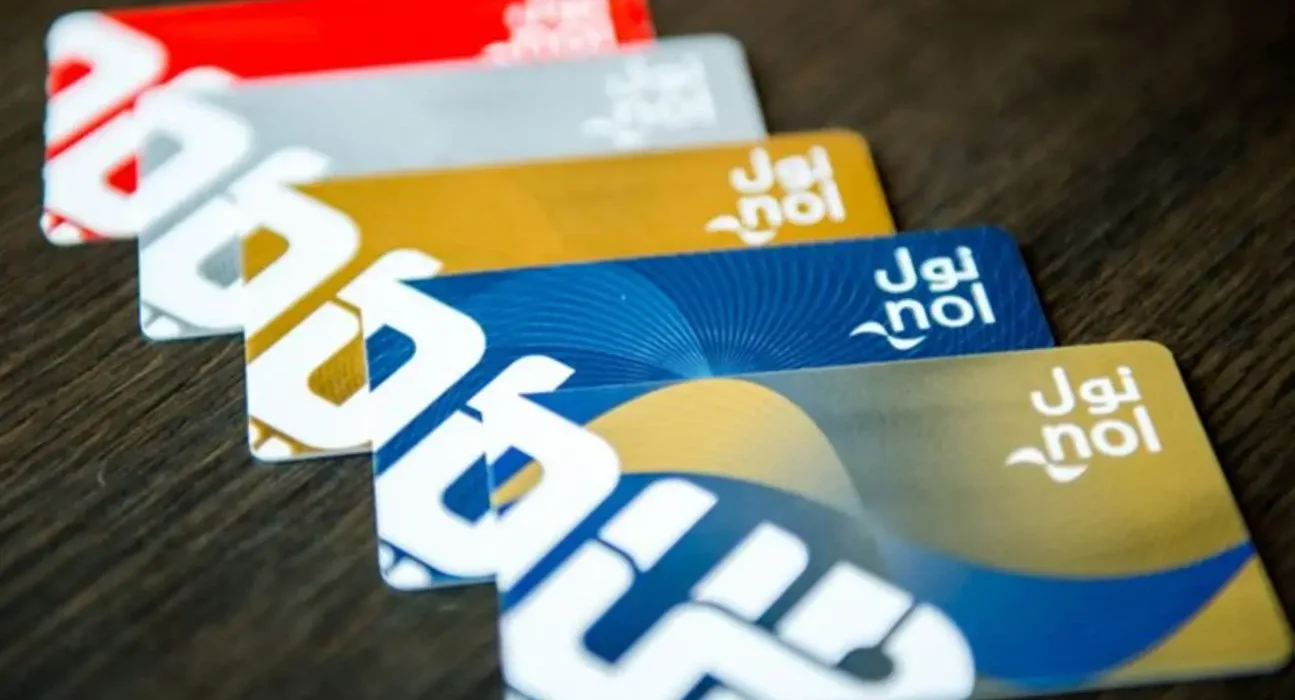
Yes, Silver, Gold, and Blue personalized cards are eligible for balance transfer. Red tickets (non-registered) are not eligible.
Can I use NOL card service machines for balance transfer?
Yes, self-service machines at metro stations and malls allow you to quickly transfer balances between registered cards without visiting a center.
Do I need my Emirates ID to transfer balance?
For in-person transfers at Customer Happiness Centers, an Emirates ID is required for verification. Online transfers via the RTA website or NOL Pay app do not require it.
Can I transfer the balance to a virtual NOL card?
Yes, virtual NOL cards registered via the NOL Pay app can receive a balance transfer from your existing card.
Is my balance safe during a transfer?
Yes, using official RTA channels ensures that all balance transfers are secure, traceable, and fully protected from unauthorized access.
Related: